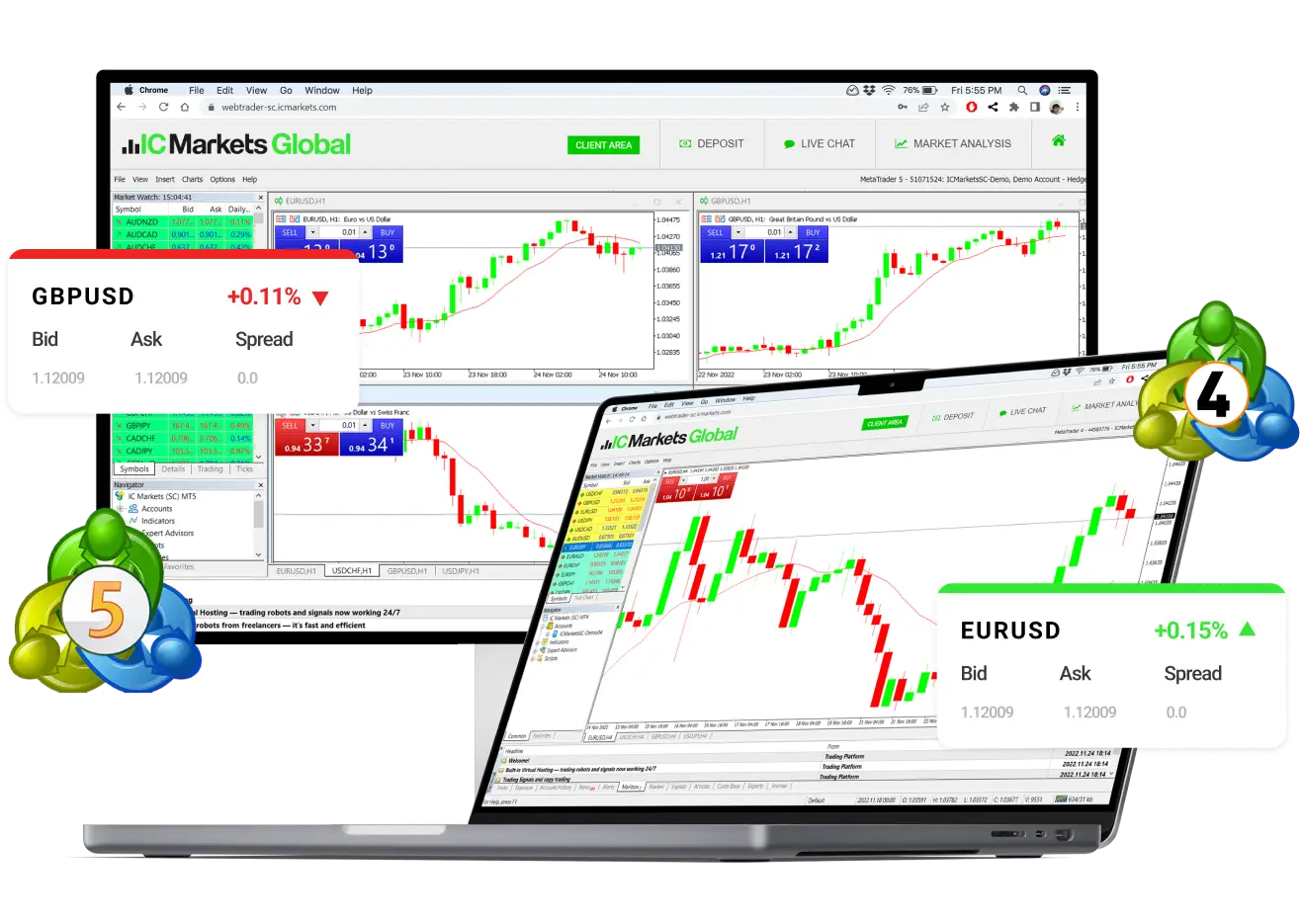
In the digital age, financial trading has transcended traditional boundaries, offering traders from all walks of life access to global markets from the comfort of their homes or offices. The MetaTrader 4 (MT4) WebTrader platform stands out as a beacon for those seeking to engage in forex, commodities, and other financial markets trading with ease and efficiency. Understanding and navigating the metatrader 4 webtrader interface is crucial for maximizing your trading activities and potentially increasing your success rate. Here’s a comprehensive guide to getting you started on the right foot.
Getting Acquainted with the Dashboard
Upon logging into MT4 WebTrader, you’ll be greeted by a clean and intuitive dashboard that provides a real-time overview of market dynamics. The main elements include the Market Watch, Navigator, and Terminal windows, each serving a distinct purpose in your trading operations.
Market Watch
The Market Watch window is your gateway to viewing the prices of various financial instruments. It lists the bid and ask prices of currencies, commodities, and indices, enabling you to make quick decisions based on the latest market trends. To add or remove instruments from this list, right-click within the Market Watch area and select ‘Symbols’ to customize your view according to your trading preferences.
Navigator
The Navigator window is where you’ll access your accounts, indicators, expert advisors, and scripts. This section is particularly useful for traders who rely on automated trading strategies or wish to implement custom indicators to enhance their analysis. Dragging and dropping an expert advisor onto one of the charts initiates automated trading based on the programmed criteria, simplifying the process significantly.
Terminal
The Terminal window is the control center for managing your trades and viewing account history. It consists of several tabs including Trade, Exposure, Account History, and News. The ‘Trade’ tab displays current open positions and pending orders, allowing for quick modifications or closures of trades. The ‘Account History’ tab, on the other hand, provides a detailed record of completed transactions, which is invaluable for reviewing your trading performance over time.
Charting Your Path
MT4 WebTrader offers advanced charting capabilities that are essential for conducting thorough technical analysis. You can open multiple charts simultaneously, apply various time frames, and utilize an array of technical indicators and graphical objects to forecast market movements. Customizing charts is straightforward—right-click on a chart and explore the options to tailor it to your analytical style.
Efficient Trade Execution
Executing trades on MT4 WebTrader is a seamless process. You can enter the market instantly with one-click trading directly from the chart or Market Watch window. For more strategic entries, setting up pending orders allows you to specify the entry, stop-loss, and take-profit levels in advance, automating your trading according to predefined conditions.
Conclusion
Navigating the MT4 WebTrader interface need not be a daunting task. With its user-friendly design and comprehensive features, it provides traders with the tools necessary for efficient and effective trading. By familiarizing yourself with the dashboard, utilizing the robust charting tools, and mastering trade execution, you’ll be well-equipped to tap into the vast opportunities that the financial markets offer. Happy trading!